Play Fire Flush free in the browser. Press play and wait for the frame to finish loading. No install is required.
Fire Flush starts as a still picture on this page. Press play and the game frame mounts. Until that press there is no game iframe. The build is a Unity game from 1Games. The loader prints Fire Flush and a progress line that includes the words Downloading file. The canvas is ready when that block goes away. If the frame stays empty, press play again and let the file finish.
The first captured frame after the loader, on a computer, was black. Later frames in the same visit were not. One was mostly warm orange and peach. Later frames were mostly dark blue-gray. On a phone-sized window the canvas also left the black loader and kept drawing. The picture changes, so give the frame a moment after the progress line before you decide it has failed.
No sentence after the loader could be read on either window. There was no control legend, no level name, and no score that survived a careful read of those frames. This page will not fill that gap with a guess. If the canvas draws words on your visit, those words are the instructions. If it does not, you are looking at the same build that loaded here: a moving picture without a readable prompt.
There is no course list on this page. You press play, you wait for the loader, and you watch the frame. A mission list, a craft list, and a key chart were not on the canvas during this play, so they are not part of the guide.
The game uses the frame. A computer can send the mouse and the keyboard. A phone can send a tap. The build that loaded did not name which of those it wanted.
Input aimed at the page around the frame does not reach the canvas. Put the pointer on the game first.
Wait out the black frame. On a computer the first picture after the loader was solid black, and the next pictures were not. A black frame in the first second is the handoff, not a broken embed.
Do not borrow controls from the title, from another game on this site, or from a paragraph that names keys this canvas did not print. The readable text stopped at the loader. Fire Flush and Downloading file were the lines that held still.
Watch the color if you are not sure the game is alive. The computer frames moved from black, to a warm orange and peach picture, to a darker blue-gray picture. A frame that stays one flat color and never shifts is the one to reload.
Press play again if the progress line never finishes. The second load is faster once the Unity file is cached. If it still fails, the game host is blocked on that network.
Keep the first look short. Confirm that the poster has been replaced by the canvas, confirm that the picture is changing, and only then spend time in the frame. There is no extra rule on this page beyond what the canvas itself draws.
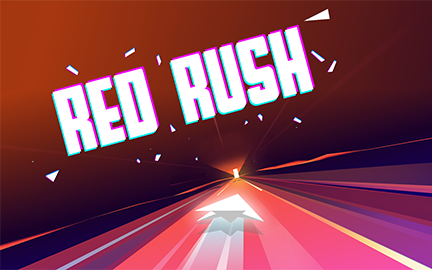
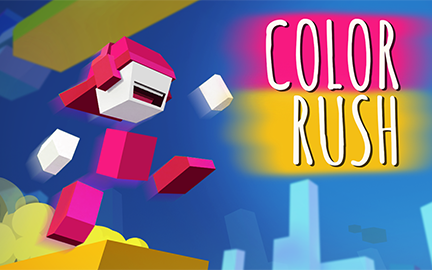
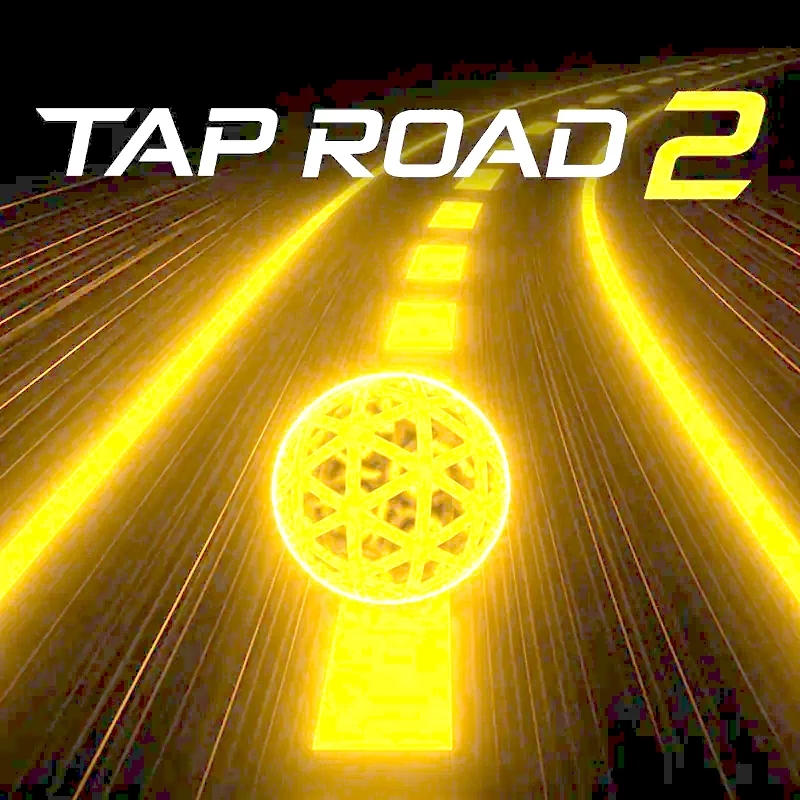
Curve Rush is the homepage game, and it is not the build in the frame above. Curve Rush 2 has its own page. Red Rush is the other 1Games frame with a long guide on this site. Its title screen was readable, and this one was not, so the two pages do not share a control list. Wave Dash and Golf Hit are separate games. Flip Spot, Tap Road 2, Color Rush, Tap Rush, Duck Clicker, and Pips Game are the rest of the list linked from the games page.
Fire Flush is a 1Games browser game. The loader prints that name, and the game page names 1Games as the developer. This page embeds that build. It is not the Curve Rush game on the homepage.
Fire Flush is a browser game from 1Games. It loads in the frame on this page after you press play. The loader prints the name Fire Flush while the file downloads.
No. Press play on this page. The frame stays a still image until you do. Wait for the Downloading file line to finish before you expect the canvas to respond.
The loader text was readable. After the canvas took over, a computer window and a phone-sized window did not produce a stable sentence. Follow a prompt if the frame draws one.
This build did not show a control line for the mouse, the arrow keys, Space, W, or a tap. Those inputs were tried on a computer and on a phone-sized window. Use the words in the frame when they appear, and do not import a control list from another page.
No. Curve Rush is the game on the homepage. Fire Flush is a separate 1Games build on this page.
Share this game